Supplies & Maintenance

How to Replace the Color Imaging Kit on a Xerox VersaLink C625: A Step-by-Step Guide

Submitted by Matthew Eberhart on
Video


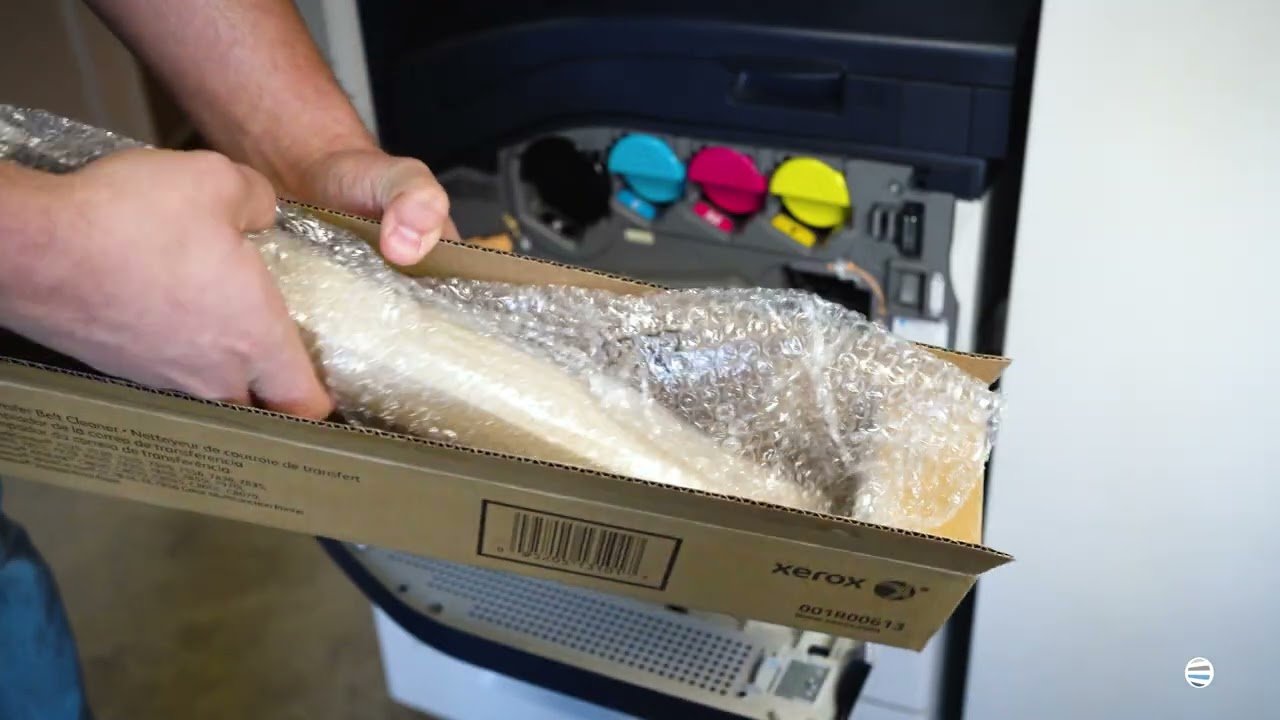
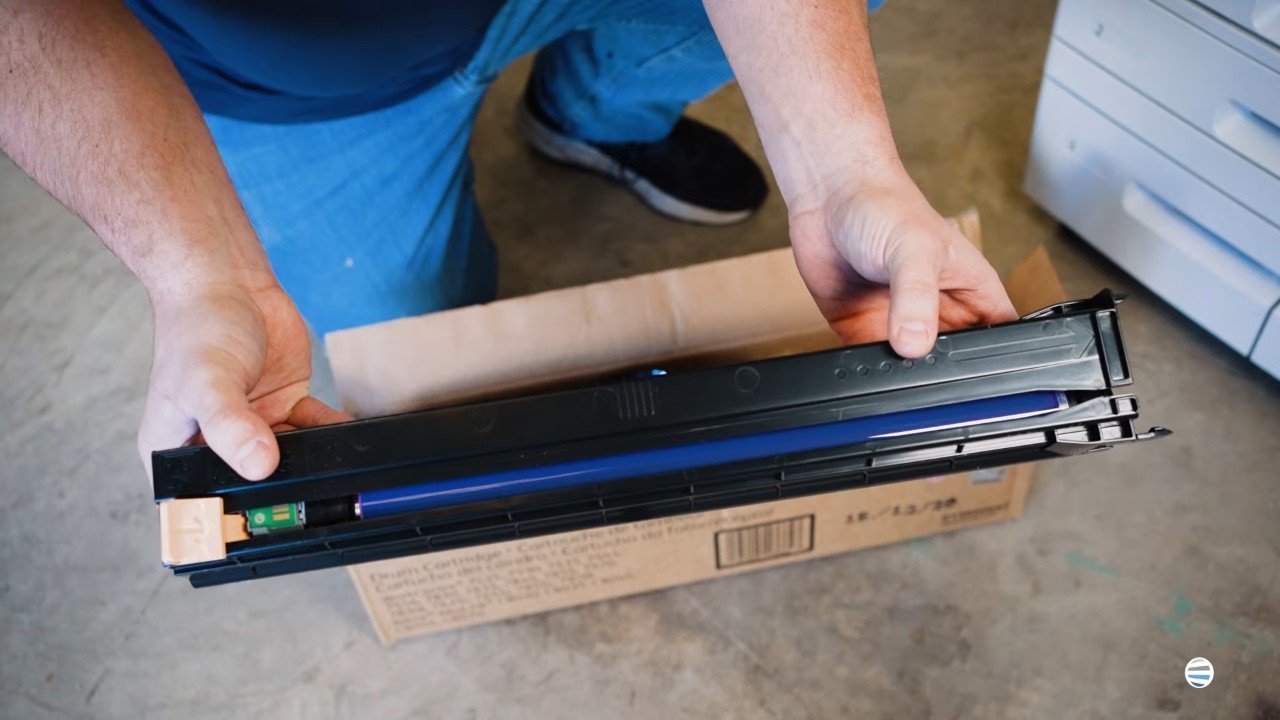
If your Xerox VersaLink C625 printer is throwing imaging kit errors, printing streaky or discolored pages, or warning you about a maintenance issue, you're in the right place. It’s likely that your color imaging kit is due for a replacement. This isn’t just a maintenance suggestion. Ignoring it can seriously hurt your printer’s performance and, over time, your team’s productivity. That’s where we come in.

Strategic Technology Partners of Texas (STPT) has serviced thousands of printers across Texas, including this exact issue. We’ve seen what happens when businesses delay replacing their imaging kits: print jobs suffer, frustration builds, and costly repairs become unavoidable.

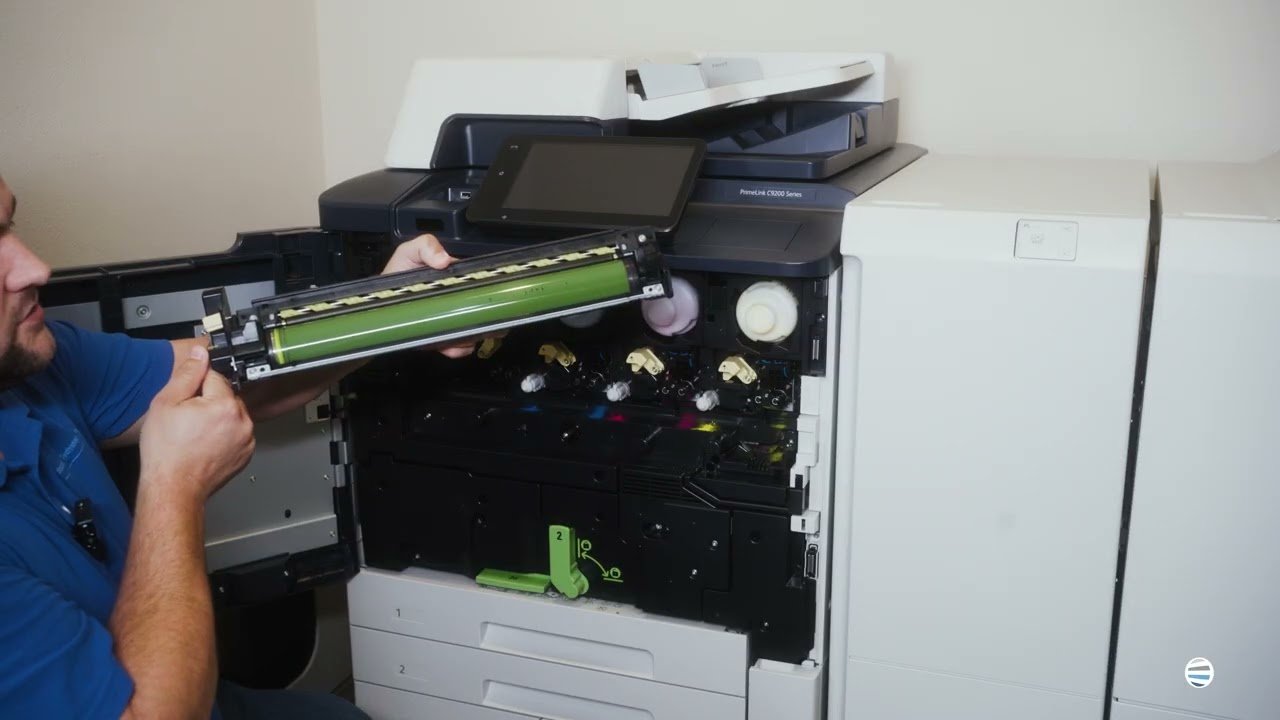
How to Replace the Black Imaging Kit on a Xerox VersaLink C625: A Step-by-Step Guide

Submitted by Matthew Eberhart on
Video


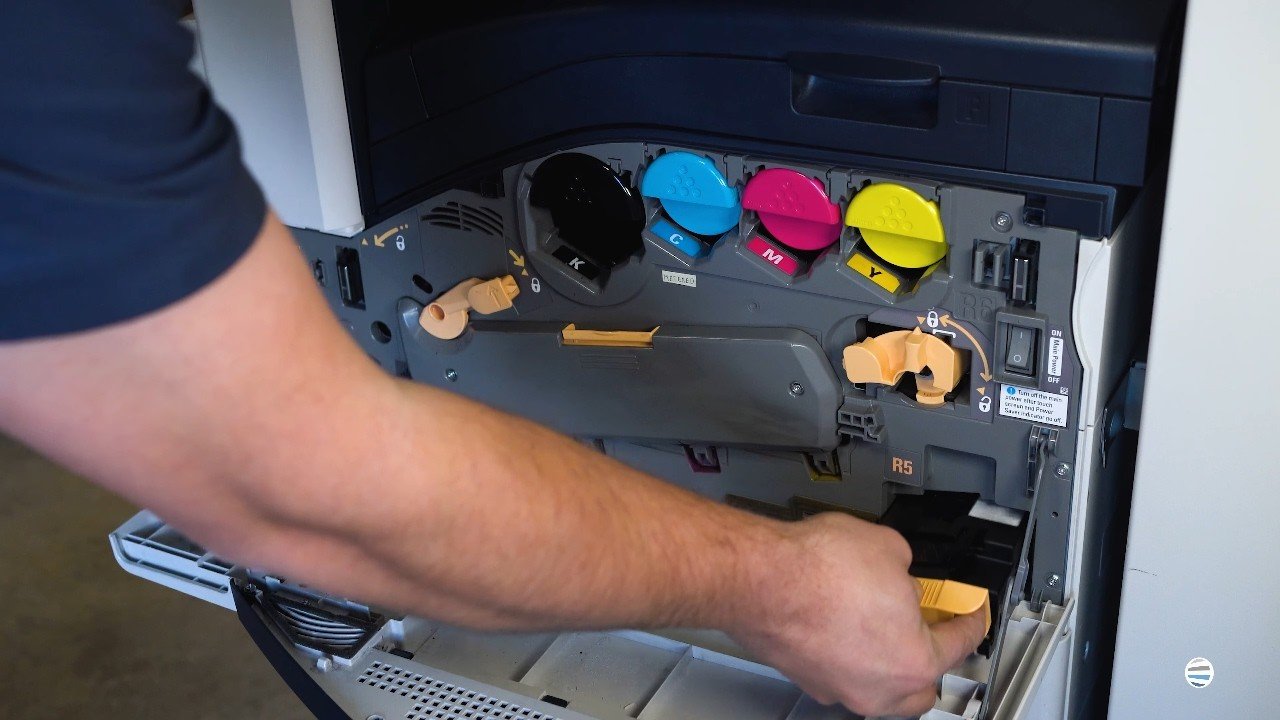
If your Xerox VersaLink C625 has started throwing up maintenance alerts, or you’ve noticed streaks, smudges, or faded black text, it’s probably time to replace the black imaging kit. You might be asking: What is that? Can I do it myself? Do I really need to fix it now?

The short answers: It's a key part of your printer, yes, you can do it yourself, and yes, you need to handle it before your print quality takes a nosedive.

At Strategic Technology Partners of Texas (STPT), we’ve serviced thousands of Xerox printers just like yours, and we've replaced just as many black imaging kits. It's a simple repair when you know what you're doing, and it can save your business time, money, and a lot of print headaches.

In this tutorial, you’ll follow Matthew, one of our most experienced technicians, as he shows you exactly how to remove and replace the black imaging unit inside your VersaLink C625.

How to Replace the Waste Cartridge on a Xerox VersaLink C625

Submitted by Matthew Eberhart on
Video


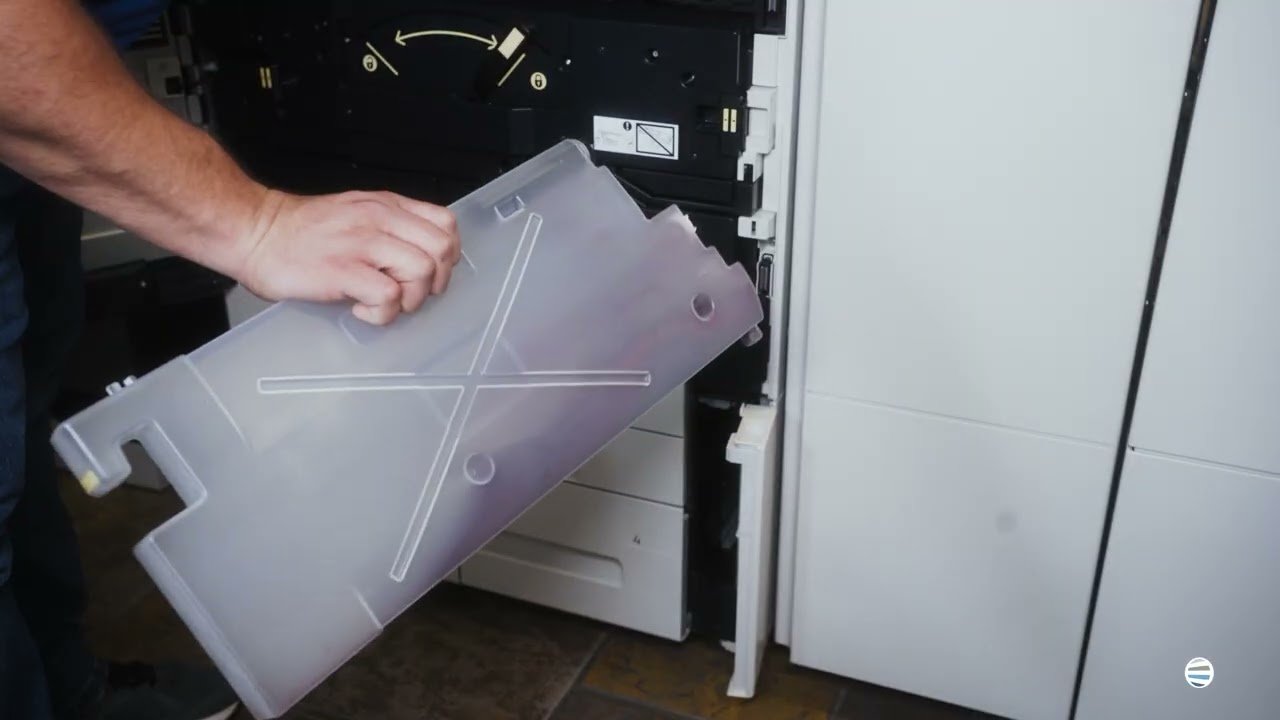
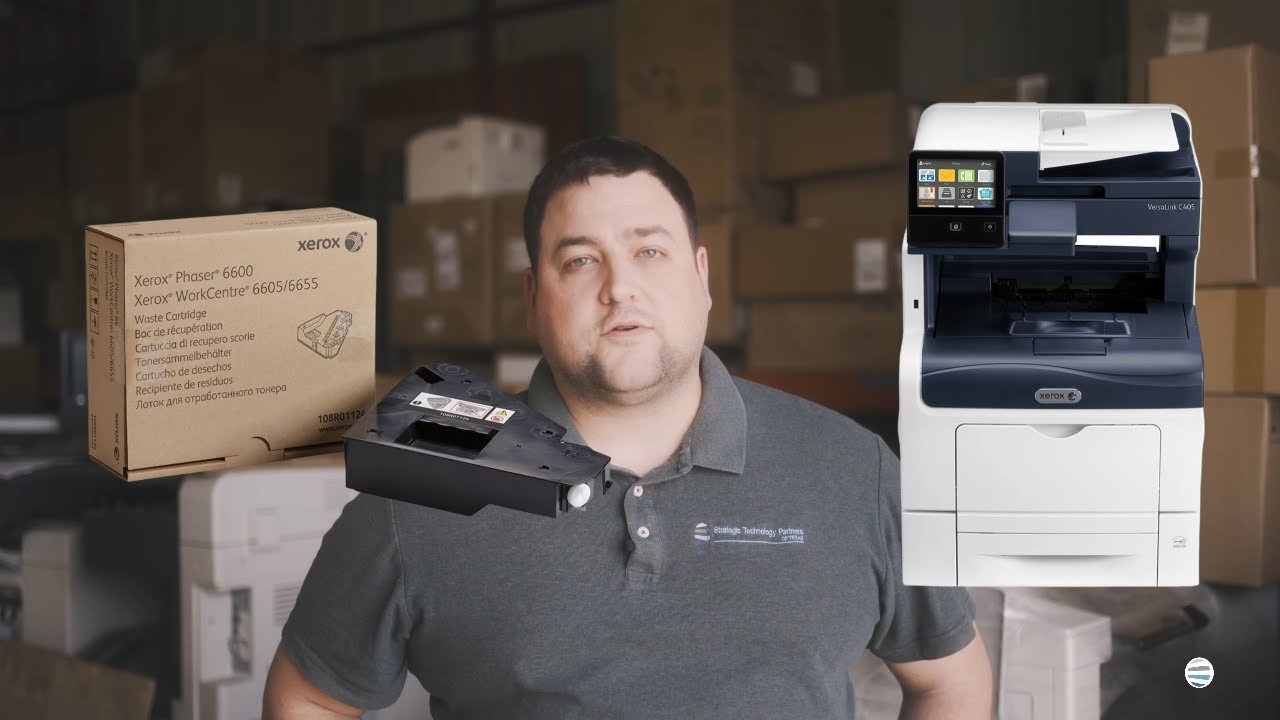
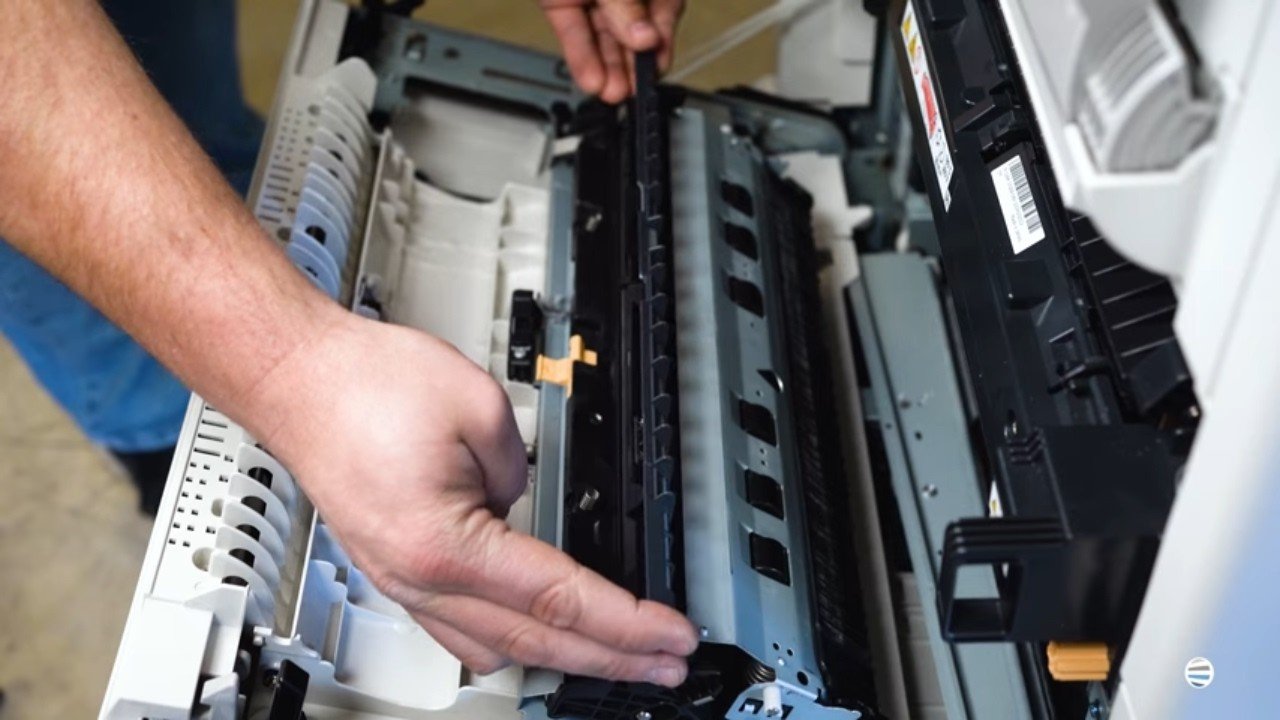
When your Xerox VersaLink C625 flashes a warning that the waste toner cartridge is full, it’s not just a suggestion; it’s a demand. Ignoring it can lead to print quality issues, halted jobs, and frustrated coworkers standing around the printer with arms crossed. If you’re reading this, chances are your machine’s had enough, and you're wondering: What even is a waste cartridge, and how do I replace it without making a mess?

That’s exactly what this guide is here to solve.

We'll walk you step-by-step through how to replace the waste toner cartridge like a pro, even if you’ve never opened a printer panel before. You'll be guided by Matthew, a seasoned printer technician from Strategic Technology Partners of Texas (STPT). Our company has serviced thousands of printers just like yours. Our experts don’t guess, they know exactly what they’re doing because they’ve fixed this problem more times than you can count.

How to Replace the Fuser on a Xerox VersaLink C625

Submitted by Matthew Eberhart on
Video

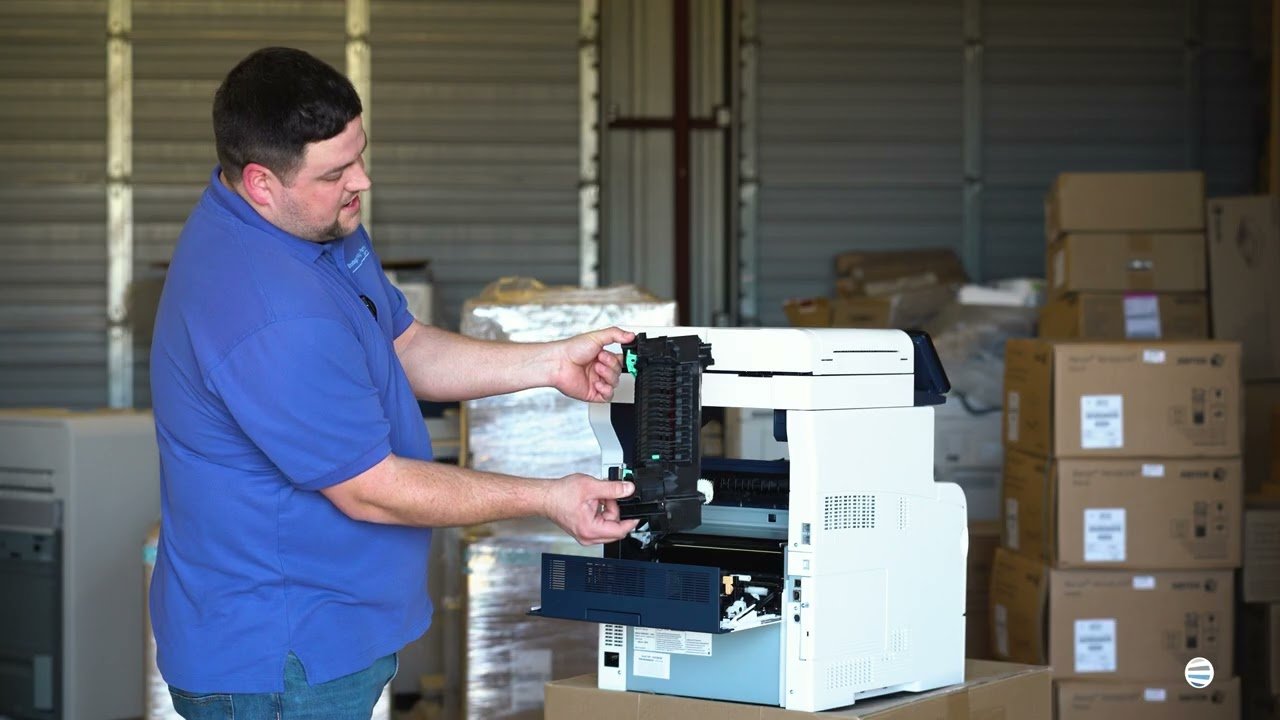
Is your Xerox VersaLink C625 printer giving you dull prints, random smudges, or wrinkled paper? The culprit might just be your fuser. Many people don’t realize how essential the fuser is until their print quality nosedives or their machine starts jamming. If you’re dealing with inconsistent output or frequent breakdowns, it’s probably time to replace this critical component.

In this blog, you’ll learn exactly when and why to replace your fuser, and you’ll get a step-by-step guide from a seasoned printer technician who’s done it thousands of times. His name is Matthew, and he's one of the experts from Strategic Technology Partners of Texas (STPT). Our STPT team has been in the trenches, repairing thousands of printers across industries and organizations.

At, STPT we know our stuff, and more importantly, we know how to make this easy for you.

By the time you finish this article, you’ll know:

A Guide to Standard Printer Paper Sizes

Submitted by Byanka Ramos on

Have you ever found yourself staring at a dropdown list of paper sizes on your printer settings, wondering why there are so many options? And, if you’re dealing with international clients, it can get even more confusing. You want to ensure your documents print correctly on the other side of the pond, but the number of paper sizes available can make it challenging.

Why are there so many paper sizes? What are they for, and when is it best to use each? These questions are all too common in the printer world. As print vendors for nearly 40 years, we know the ins and outs of printing and paper. Although we don’t sell paper, we understand how important it is to use the right kind on your printer.

Today, we’ll help you understand printer paper sizes and why it matters to know them. By the end of this blog, you'll understand the different paper sizes, their uses, and how to choose the right one for your needs.

Table of Contents

How to Choose The Right Paper Size When Printing

Submitted by Byanka Ramos on

Office life would be so much easier if printers could just automatically print any paper size without you needing to make any adjustments. Unfortunately, this is not the case. Two important factors: paper size(also known as media size) and printable area are vital to understand if you want to get accurate prints. Not knowing the difference between these can lead to wasted paper, wasted toner, and wasted time. When you don’t understand the limits of your device, you end up fighting your equipment instead of working with it.

In fact, most reprints, paper jams, and layout mismatches we troubleshoot often stem from a simple misunderstanding of what a printer can physically handle.

Why Did My Copier/Printer Bill Go Up? 3 Common Reasons Explained

Submitted by Shannon Scoggins on

Have you opened your latest copier bill, expecting it to look the same as always, and noticed that your total went up?

Before you panic or start imagining hidden fees, take a deep breath; you’re not the only one wondering why.

At Strategic Technology Partners of Texas (STPT), we help businesses across Texas manage their printer fleets, and one of the most common questions we hear is:

“Why did my copier bill increase when nothing changed on my end?”

The truth is, there are a few very normal (and preventable) reasons why this can happen. Some are tied to your contract, while others have to do with how your team prints. Understanding them can save your business a lot of money and stress down the road.

In this article, we’ll walk you through the three most common reasons your copier or printer bill may have gone up, what they mean for your organization, and how to get back on track.

Table of Contents

5 Ways to Protect Your Printer from Cyberattacks 

Submitted by Karla Metzler on

You probably lock your phone with a passcode and protect your email with two-factor authentication. But when was the last time you thought about your office printer’s security?

In 2020, researchers at CyberNews hijacked nearly 28,000 printers during an experiment designed to test how exposed networked devices really are. What they discovered was alarming; hundreds of thousands of business printers were left wide open to attack.

For many offices, the printer is the last thing anyone worries about. But by leaving it unsecured, it becomes an entry point for hackers to access sensitive data.

At STPT, we’ve spent more than 35 years helping North Texas businesses protect their office technology. As print vendors and Xerox partners, we know firsthand how overlooked printers are when it comes to cybersecurity.

Servicing Your Own Machine? 4 Reasons Why It's a Bad Idea

Submitted by Matthew Eberhart on

When your office printer goes down, it can feel like the whole workplace grinds to a halt. Deadlines get pushed, employees hover around the machine pressing buttons, and someone eventually says, “How hard could it be to fix this thing?”

We know how tempting it is to roll up your sleeves and try to fix it yourself, especially when repair costs and downtime feel overwhelming. But printers aren’t like coffee machines or microwaves. They’re complex, high-voltage devices packed with delicate parts, specialized software, and very specific repair needs.

As a print vendor with decades of experience, we’ve seen many businesses try to handle repairs themselves. More often than not, this approach ends up costing more in the long run, both financially and in lost productivity.

In this blog, we’ll break down four big reasons why servicing your own printer or copier is a bad idea, and what you should be doing instead to keep your office equipment running smoothly.

5 Steps to Make Your Office Cybersecure

Submitted by Matthew Eberhart on

What would happen if your office network went dark tomorrow? You would have no access to files stored in cloud, no way to email clients, and no printers to push through time-sensitive documents. For too many businesses, this is a reality. In fact, nearly six in ten companies report that cybersecurity incidents caused moderate to severe disruption in the past year.

And cyber threats don’t just affect big corporations. Small and mid-sized businesses are increasingly targeted because attackers know resources are limited and defenses are often patchy. With remote work, mobile devices, and cloud platforms expanding the “attack surface,” it’s easier than ever for hackers to find an entry point.

Subscribe to Supplies & Maintenance