Supplies & Maintenance

Duty Cycle vs. Recommended Print Volume: What’s the Difference? 

Submitted by Karla Metzler on
Video


When looking at printer specifications, you’ll likely see two numbers that look like they describe the same thing: monthly duty cycle and recommended monthly print volume. They, however, don’t. Knowing the difference can help you choose a printer that fits your workload and avoid unnecessary service calls, downtime, and early replacement costs.

In the more than 40 years we’ve been helping organizations match office equipment to their real printing needs, we often help people know which number they should actually use.

The short answer: A printer’s duty cycle is the maximum number of pages or images it is designed to produce in a single month. Its recommended monthly print volume is the workload it is designed to handle consistently. For everyday use and printer selection, follow the recommended monthly print volume.

Table of Contents
​Why Is Print Volume Important for a Printer? (How to Check It) 

Submitted by Karla Metzler on
Video


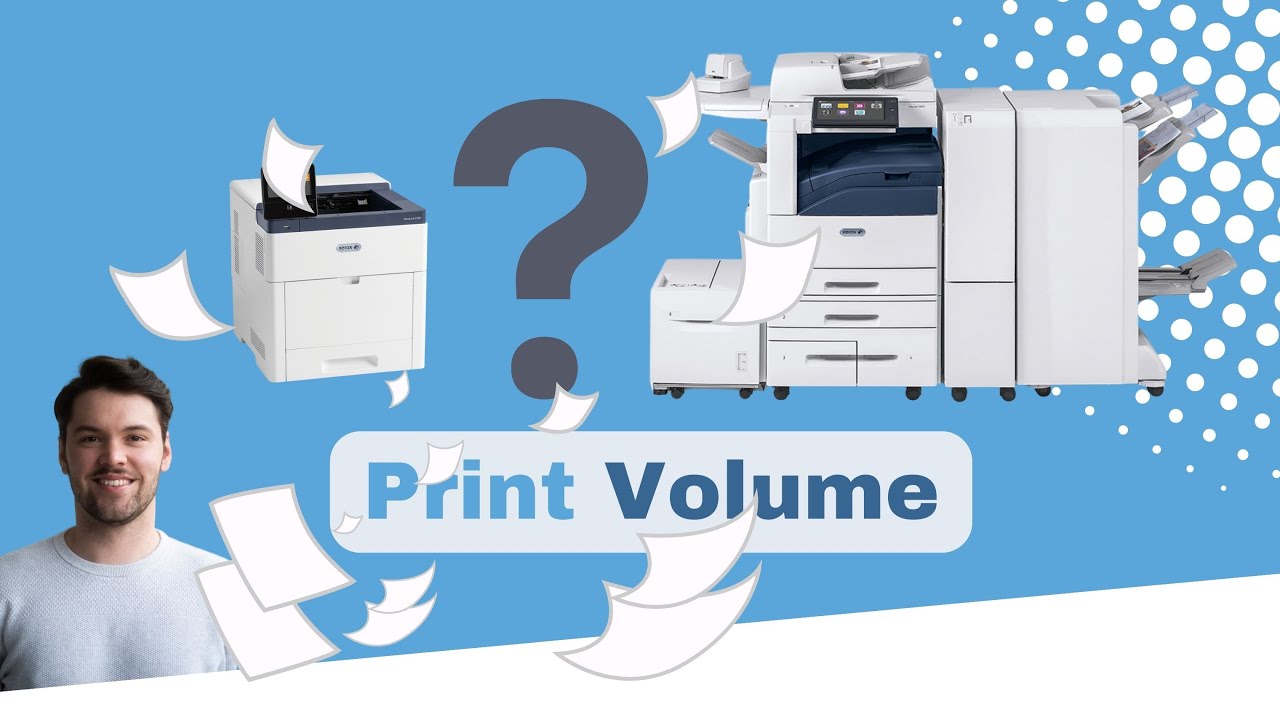
Beyond cost, print volume is arguably the most crucial factor in deciding which printer or copier to purchase. Your monthly print volume helps determine whether your printer will be able to handle the amount your office prints each month.

Overusing a printer with too little capacity can lead to more service issues and premature wear. A machine built for far more volume than you need can also cost more than necessary. In both cases, the printer is poorly matched to the workload

Strategic Technology Partners of Texas has spent more than 40 years helping organizations choose and maintain office printers. We have seen how overlooking print volume can lead to avoidable service calls, downtime, and replacement costs.

4 Common Printer Service Questions and Their Solutions

Submitted by Joel Metzler on
Video


A printer problem can slow down your workday, but not every issue needs a service call. Some problems can be resolved with a few safe troubleshooting steps. However, if you’re experiencing unusual noises, recurring errors, or internal component failures, you’ll usually need a trained technician.

In this article, we’ll use our 40+ years of experience in printer maintenance to answer four common printer service questions and explain what you can check yourself, when to call for help, and how ongoing service support can prevent larger problems.

4 Different Types of Printer Toners & How to Choose

Submitted by Karla Metzler on

You’ve been using toner for your laser printer, but are you aware of the different types available?

Opting for the cheapest toner can lead to poor print quality or toner spills, which will damage your printer and result in costly repairs.

Many printer owners are not aware of the different toner options available, which makes it easy to buy based on price alone. But the wrong toner can lead to poor print quality, wasted money, and even damage to the machine. This guide explains the four main types of printer toner and helps you decide which one makes the most sense for your home or business.

Table of Contents

4 Warning Signs of a Toner Scammer and Ways to Avoid Them

Submitted by Byanka Ramos on


Have you ever picked up the phone at work and felt unsure whether the person on the other end was actually who they claimed to be?

It’s happening more often than most businesses realize. In fact, Americans receive an average of 9 scam calls per week, and businesses are frequent targets. From our experience, we’ve had customers reach out to us after receiving suspicious toner calls, unsure whether they were legitimate or not. Many of these scam calls are even coming from bots.

Toner scams aren’t new, but they are getting more convincing. And if you don’t know what to look for, they can scam your business out of hundreds or thousands of dollars.

In this guide, we’ll explain how toner scams work and the warning signs to watch for so you can protect your business with confidence.

Table of Contents

6 Different Types of Paper for Printing

Submitted by Mary Shamburger on
Video


Paper plays a role in our lives' most important moments.

From love letters to diplomas, wedding invitations to birth certificates, a piece of paper documents life's milestones. However, you may not often think about the type of printer paper used to print these documents out. 

It's not until a printing issue arises that paper types become important. A document might appear dull and gray, photos can look washed out, or a printer might jam in the middle of an important job. In many cases, the problem originates from the paper.

The type of paper you choose affects everything from print clarity and color vibrancy to how smoothly your printer operates. Using the wrong paper can lead to wasted prints, paper jams, and unnecessary costs.

How Do I Print From My Phone? (Instructions)

Submitted by Karla Metzler on
Video


Mobile printing has become more accessible than ever, with most organizations now integrating mobile printing workflows into their modern workplace initiatives.

If you’ve ever needed to quickly print an email, photo, or document from your phone, you already know how valuable this capability can be.

At Strategic Technology Partners of Texas (STPT), we get asked this question all the time: “How do I print from my phone?” The good news is that mobile printing is usually simple once your devices are set up correctly.

In this guide, we’ll walk you through exactly how to print from your iPhone or Android device, what apps you may need, and what to do if your phone can’t find your printer.

Table of Contents

5 Signs You Are an Ideal Customer for STPT

Submitted by Karla Metzler on


Finding the right copier/printer vendor is much like choosing a long-term business partner. You want someone who understands your goals, communicates clearly, and supports you long after the paperwork is signed. A copier contract isn’t something you enter lightly. Depending on your print setup, you may be working with that vendor for years. So, it makes sense to step back and ask a simple but important question:


“Are we actually the right fit for each other?”

5 Major Mistakes You're Making With Your Copier Printer

Submitted by Keith Metzler on

If you've ever worked with an office printer, you’ve likely experienced the frustration it can cause.

Printers are necessary in most workplaces, but they’re often misunderstood or misused in ways that can drain money, slow teams down, and create avoidable headaches. These mistakes aren’t always obvious, but over time they can lead to increased downtime, rising repair costs, or a printer that feels like it aged ten years in one.

At STPT, our technicians see these issues every day across businesses and organizations of every size. In this guide, we’ll share the top printer mistakes we see everywhere, why they matter more than most people realize, and how small adjustments can make your printer last longer, run better, and cost less to operate.

Table of Contents

Printer Security: Xerox's Approach, and Why it Matters

Submitted by Karla Metzler on

When most people think about cybersecurity, they picture firewalls, antivirus software, or maybe suspicious-looking emails. What usually doesn’t come to mind? The office printer. Yes, that inoffensive device in the corner of your office is actually a computer in disguise, and like any computer, it can be hacked.

That’s a real problem. In fact, a 2024 Quocirca study found that 67% of organizations experienced data loss due to print security failures in just the past year. Many of these stem from common printer security mistakes. That means if your business hasn’t thought about printer security, you’re already at risk.

Subscribe to Supplies & Maintenance