5 Signs of a Quality Print Vendor (And How to Spot One Before You Commit)

Submitted by Karla Metzler on

When businesses shop for a new printer or copier, they often focus on factors such as brand, speed, and price. But what many organizations don’t realize until later is that the print vendor they choose often has a bigger impact on their day-to-day experience than the hardware ever will.

A quality print vendor can simplify operations, control costs, and prevent problems before they start. A poor one the other hand, can leave you dealing with downtime, confusing bills, and support that’s hard to reach when you need it most.

This article breaks down five clear signs of a quality print vendor so you can evaluate potential partners before signing anything. Our goal is to help you feel confident in the decision you’re making.

Table of Contents

How to Replace the Fuser on a Xerox VersaLink C625

Submitted by Matthew Eberhart on
Video

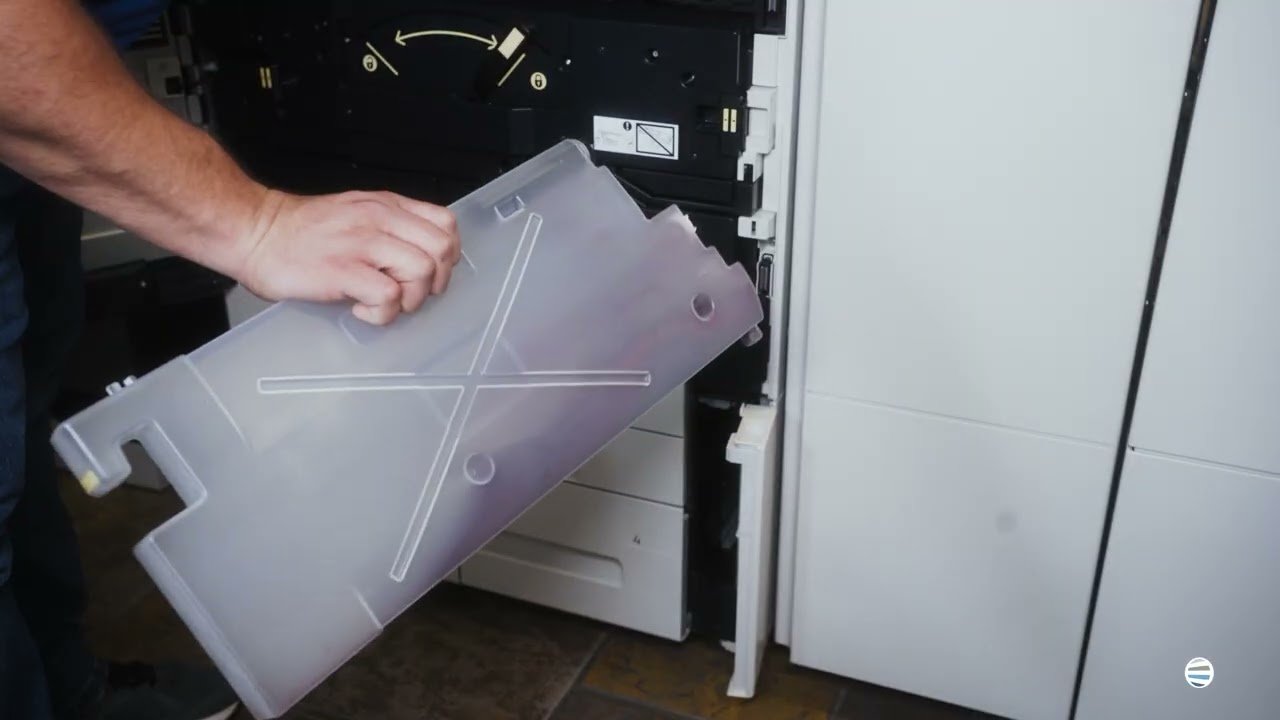
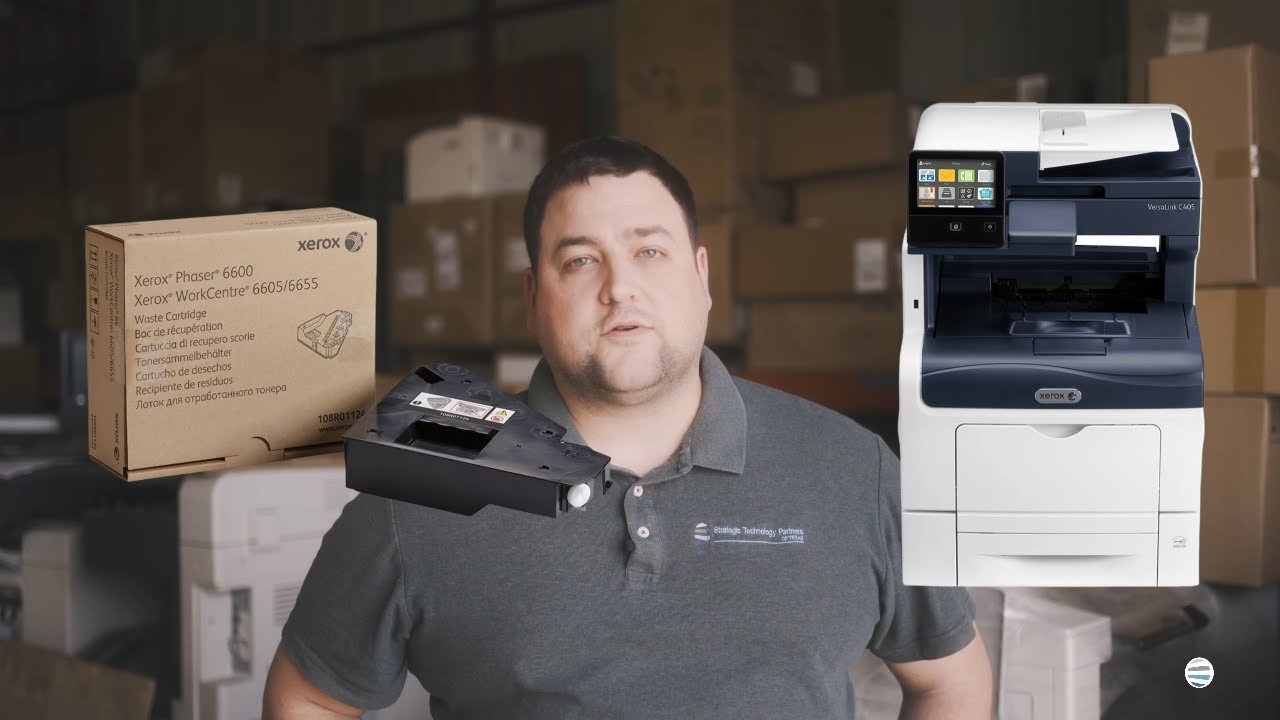
Is your Xerox VersaLink C625 printer giving you dull prints, random smudges, or wrinkled paper? The culprit might just be your fuser. Many people don’t realize how essential the fuser is until their print quality nosedives or their machine starts jamming. If you’re dealing with inconsistent output or frequent breakdowns, it’s probably time to replace this critical component.

In this blog, you’ll learn exactly when and why to replace your fuser, and you’ll get a step-by-step guide from a seasoned printer technician who’s done it thousands of times. His name is Matthew, and he's one of the experts from Strategic Technology Partners of Texas (STPT). Our STPT team has been in the trenches, repairing thousands of printers across industries and organizations.

At, STPT we know our stuff, and more importantly, we know how to make this easy for you.

By the time you finish this article, you’ll know:

Top 5 Best Printer Brands (2026)

Submitted by Karla Metzler on

According to 360 Research, there are more than 40 global printer manufacturers competing in the printer market. Yet despite the size of the market, only a handful of printer brands consistently lead the industry worldwide.

For buyers, that creates a familiar problem: too many options that look similar on the surface, but differ in meaningful ways once you dig deeper. Features, long-term reliability, support, and software ecosystems often matter far more than logos or price tags.

As a locally managed print vendor for nearly 40 years, we’ve worked with businesses across a wide range of industries and print environments. That experience gives us a clear view of how different printer manufacturers compare in real-world use.

Inkjet vs. Laser: Which Printer Is Right for You?

Submitted by Joel Metzler on
Video


What is the difference between an inkjet and a laser printer, and which is right for you? Are laser printers better than inkjet printers and vice versa?  

These are common questions anyone who’s ever considered buying a printer will ask. If you want to choose the ideal printer for your printing needs, you must know the answers. Or else risk being stuck with an ill-equipped machine.   

We’ve been a local print vendor for over 40 years and often get asked which type of printer is better for them. The truth is that the right printer type will vary depending on what your goals are.

In this blog, we'll rely on our expertise to provide you with all the information you need about laser and inkjet printers. We’ll compare the features of both printers, such as costs, print speeds, and print quality. This way, you will know which machine is better suited to your printing goals.

Table of Contents

Is Fiery the Right Digital Front End (DFE) for Your Print Environment?

Submitted by Keith Metzler on

If you own a production printer and wonder why you’re not getting flawless output and are struggling with color consistency, file issues, or slow turnaround, don’t blame your printer just yet.

Here’s a truth we see often in the field: most production print challenges don’t start at the printer itself. They start earlier in the workflow, where files are processed, colors are interpreted, and jobs are managed. Digital front ends (DFEs) play a critical role in production printing, and Fiery, in particular, comes up often in these conversations.

Before we go any further, let’s be upfront. At Strategic Technology Partners of Texas, we work closely with Xerox production printers, many of which offer Fiery digital front ends. We install them, support them, and train customers on them regularly.

Buying a Used Copier Online? Here’s What Often Gets Missed

Submitted by Keith Metzler on

Buying a used copier online can look like a smart, budget-friendly decision, especially when you see a familiar brand and a steep discount. But many businesses overlook critical risks tied to service eligibility, long-term cost, and security when purchasing used equipment without vendor input.

This article explains what often gets missed when buying a used copier online, how those gaps affect real-world operations, and how talking to a print vendor can prevent costly mistakes.

Table of Contents

What Is a CMS (Content Management System)? A Practical Guide for Businesses

Submitted by Keith Metzler on

Have you ever heard your boss say things like CMS, DMS and wondered what exactly it meant?

A CMS is one of the most commonly used digital tools. From individuals to businesses, organizations, and schools will use these tools. For businesses and organizations in particular, as teams grow and work becomes more digital and more remote, content chaos tends to grow right along with it.

At Strategic Technology Partners of Texas (STPT), we’ve spent nearly 40 years helping organizations manage not just printers, but the documents and content that flow through them every day. While we partner with Xerox and work closely with platforms like DocuShare, our job isn’t to push software. It’s to help businesses understand what they actually need, and just as importantly, what they don’t.

In this guide, we’ll break down what a CMS is, what problems it solves, how it differs from document-focused systems, and how to tell if a CMS is the right next step for your organization.

How to Optimize Your Copier/Printer Fleet for Medium-Sized Businesses

Submitted by Karla Metzler on

If you’re running a medium-sized business, your printer fleet probably didn’t start out complicated. A few devices here, a few there, and things worked well enough. But over time, growth has a way of sneaking up on your print environment.

Suddenly, IT is fielding toner requests again. Someone complains that the printer “isn’t working” (but can’t explain how). Finance wants to know why printing costs seem higher this quarter. And somehow, there are now five different printer models doing roughly the same job.

According to industry research, businesses often underestimate their true printing costs by as much as 30–50%, largely due to poor visibility and decentralized management. That gap becomes especially noticeable in mid-sized organizations, where growth outpaces process.

A Guide to Standard Printer Paper Sizes

Submitted by Byanka Ramos on

Have you ever found yourself staring at a dropdown list of paper sizes on your printer settings, wondering why there are so many options? And, if you’re dealing with international clients, it can get even more confusing. You want to ensure your documents print correctly on the other side of the pond, but the number of paper sizes available can make it challenging.

Why are there so many paper sizes? What are they for, and when is it best to use each? These questions are all too common in the printer world. As print vendors for nearly 40 years, we know the ins and outs of printing and paper. Although we don’t sell paper, we understand how important it is to use the right kind on your printer.

Today, we’ll help you understand printer paper sizes and why it matters to know them. By the end of this blog, you'll understand the different paper sizes, their uses, and how to choose the right one for your needs.

Table of Contents

What Is a Document Management System (DMS)? A Practical Guide for Businesses

Submitted by Keith Metzler on

Think about how much time employees spend searching for information instead of doing their actual job. If you’re losing hours every week to shared drives, filing cabinets, email attachments, and “final_v7_REALLYFINAL.pdf,” it’s time for a change.

Most businesses don’t have a document problem because they lack documents. They have a document problem because they lack control.

Contracts live in inboxes. Records sit in boxes. Scanned forms are saved “somewhere on the network.” And when someone needs the right version, at the right time, it turns into a scavenger hunt.

Subscribe to