Skip to main content

How to Clean Printer Heads on Your Inkjet Printer: A Complete Guide
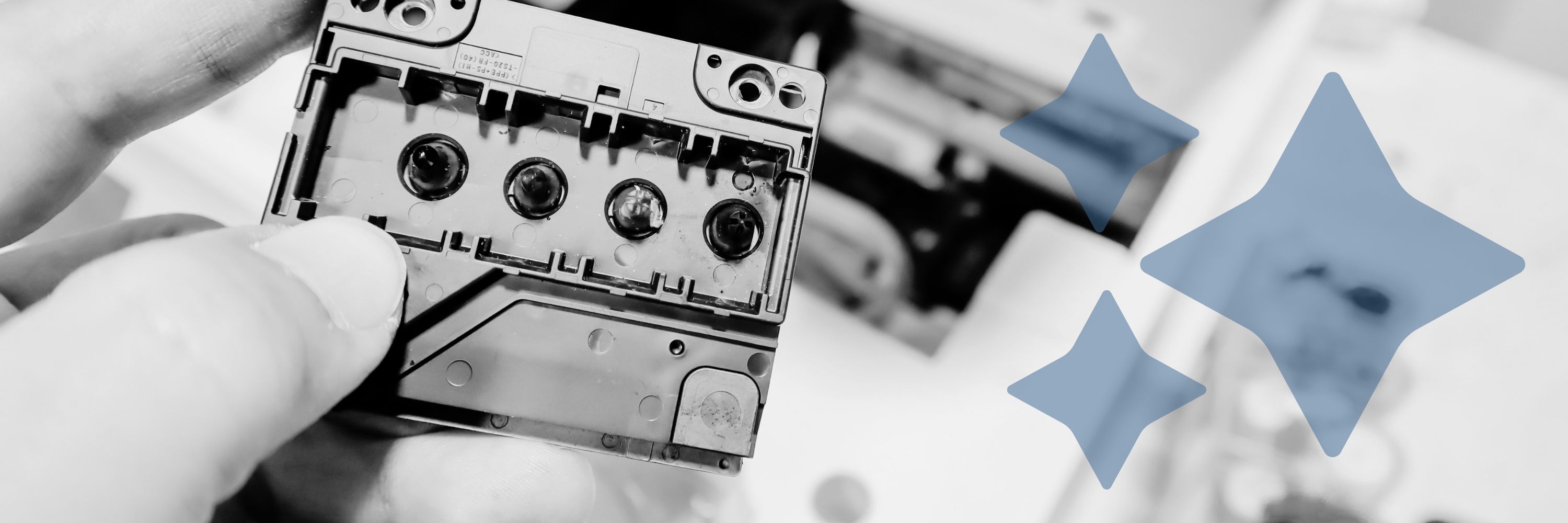
Are streaky, faded prints driving you crazy? A clogged print head could be to blame. Print heads, especially on inkjet printers, can clog over time, impacting the quality of your documents and photos.
As experts in print technology at Strategic Technology Partners of Texas, we’ve spent nearly 40 years solving printer issues just like this for our clients. We know the ins and outs of printers, from routine maintenance to complex repairs.
This article will walk you through why print heads clog, how to spot the signs, and easy steps to clean them—so you can get back to clear, crisp printing in no time.
Looking for tips on how to clean your printer? Our easy printer cleaning guide will show you the safe steps to get your printer shining again!